Data security is a major concern for both businesses and individuals these days. With so many breaches of sensitive information, it’s hard not to worry about what might happen. Password managers keep your details secure by encrypting your logins so they can only be accessed when you enter the master password. Nowadays, it’s very easy to find Password Manager software out there, but how did you know it’s safe and legit or not? Well, don’t worry and be less stressed about that. Today, we would like to introduce pCloud Pass.
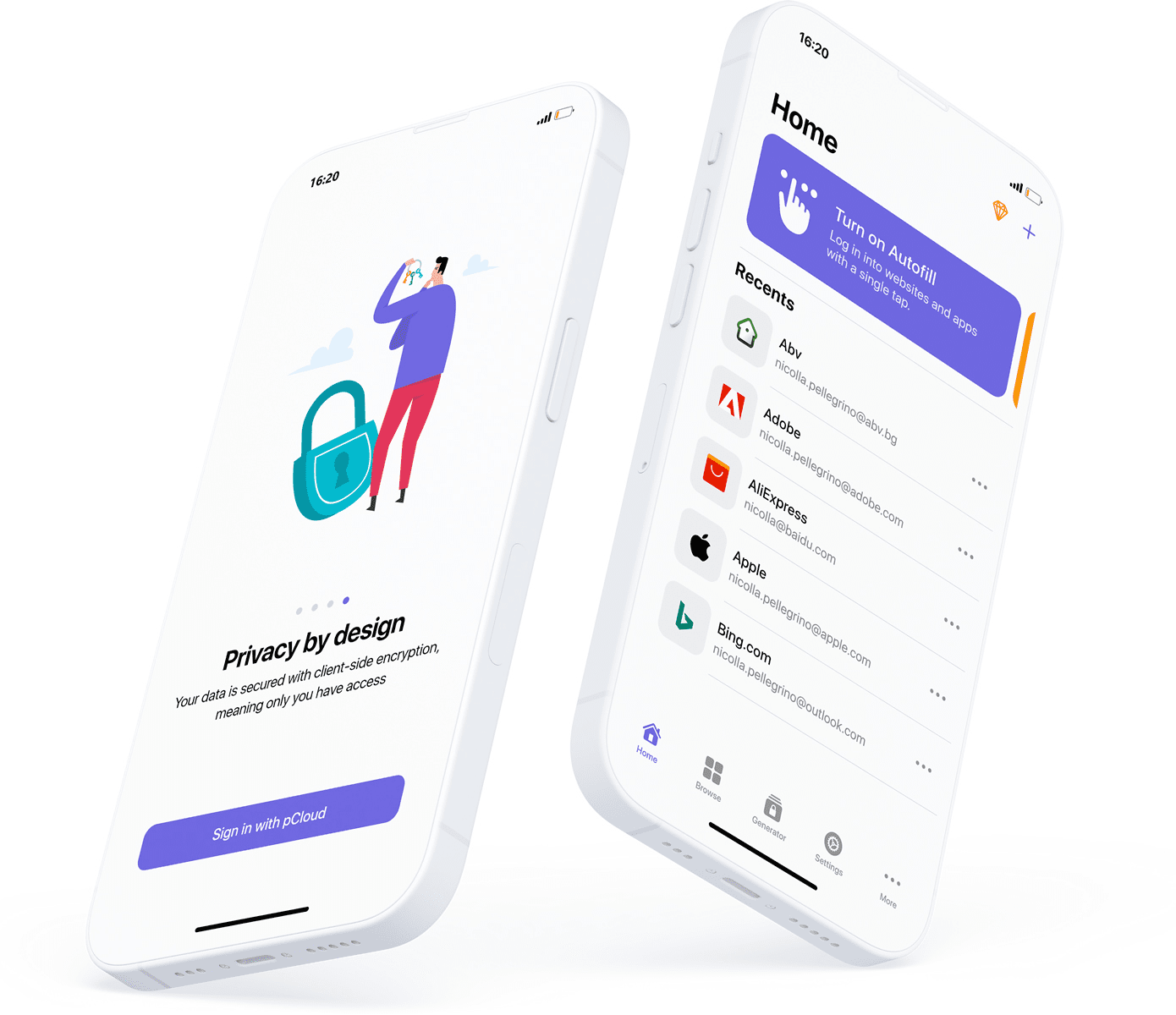
Privacy by design
pCloud Pass was designed to be private and secure. With our zero-knowledge privacy approach, the data you save gets encrypted on your device and only you can decrypt it with your Master Password. We do not have access to the data you save, and we do not use, share or sell it to anyone.
Encryption
pCloud Pass uses client-side encryption to ensure your data is protected from all kinds of attacks. This means that everything you save gets encrypted on your device before it’s uploaded to the pCloud servers. The service uses AES and elliptic curves (specifically elliptic curve secp256r1) for encryption. Your Master Password is secured with 256-bit AES encryption. It is used along with PBKDF2 (Password-Based Key Derivation Function 2) to generate a private key, which is encrypted using AES ECB (16-bit). All the items you save in pCloud Pass are secured using AES CTR encryption and HMACSHA256 keyed hash algorithm.
Features
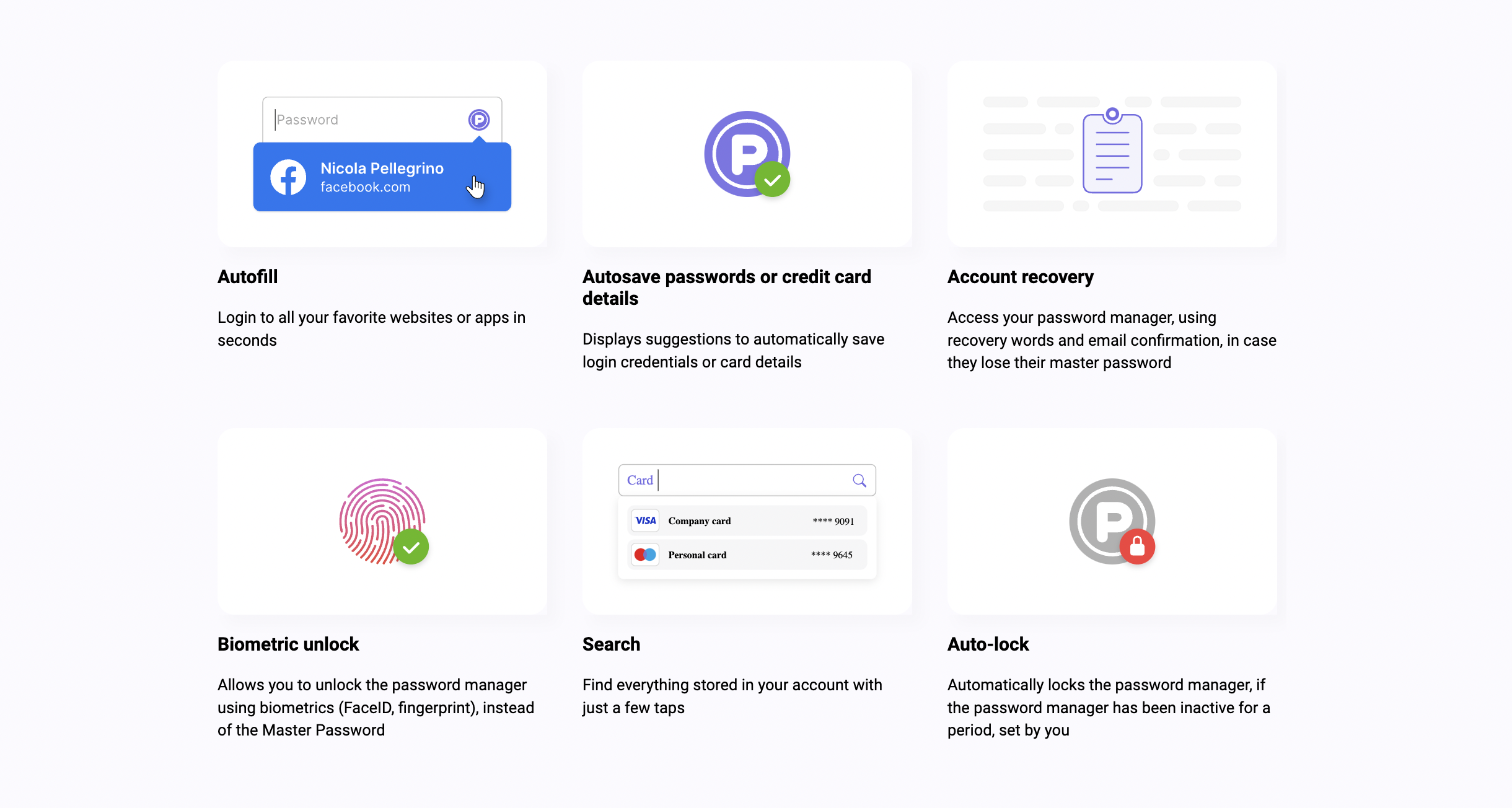
- Store unlimited passwords, credit card details or encrypted notes
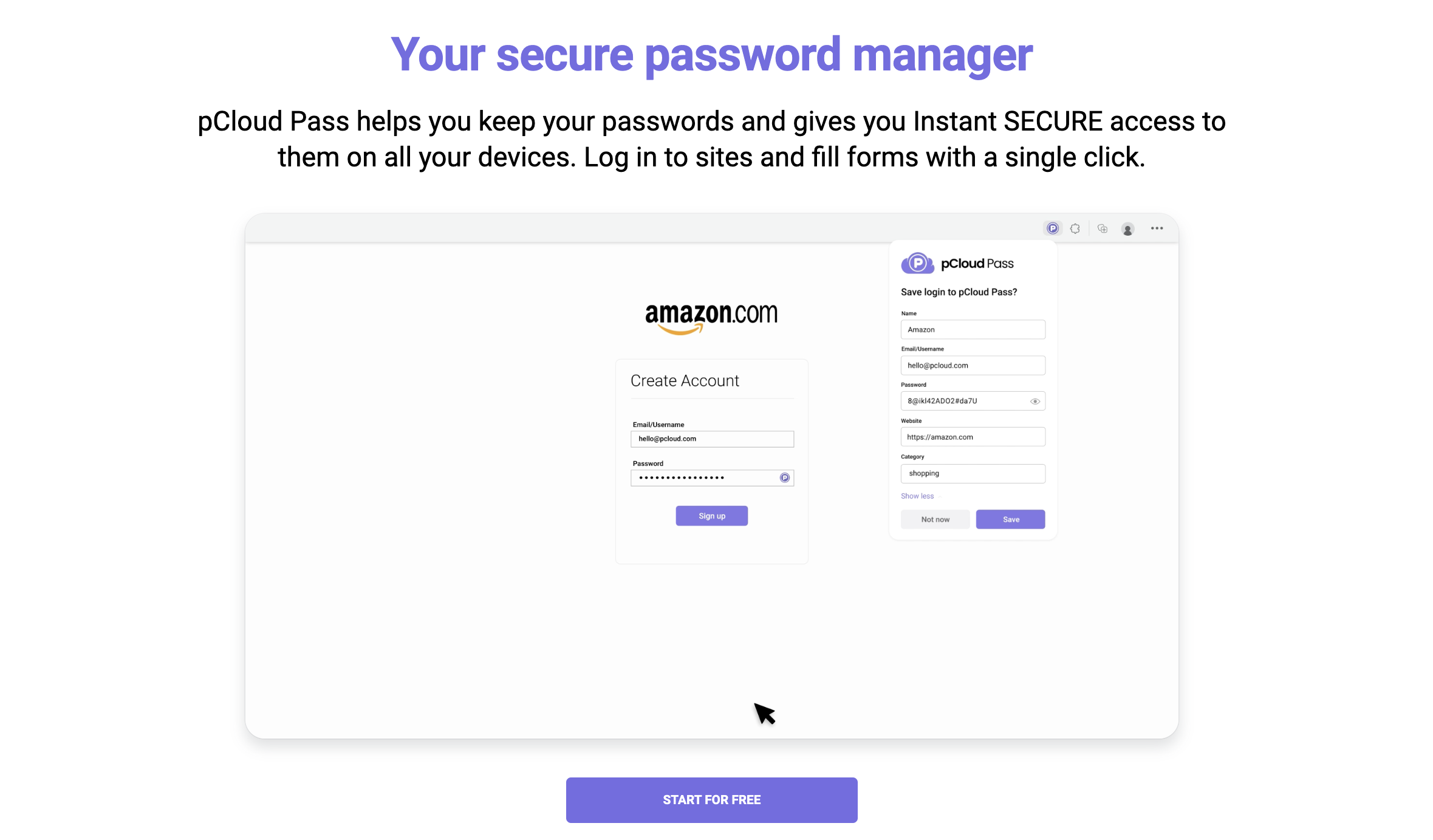
- Automatically save your passwords, usernames and your credit card details as you browse
- Autofill passwords and instantly log in to the apps and websites you use every day
- Instantly fill payment forms with your credit card details
- Generate strong & unique passwords
- Access your passwords and personal data across all your devices, anywhere you go
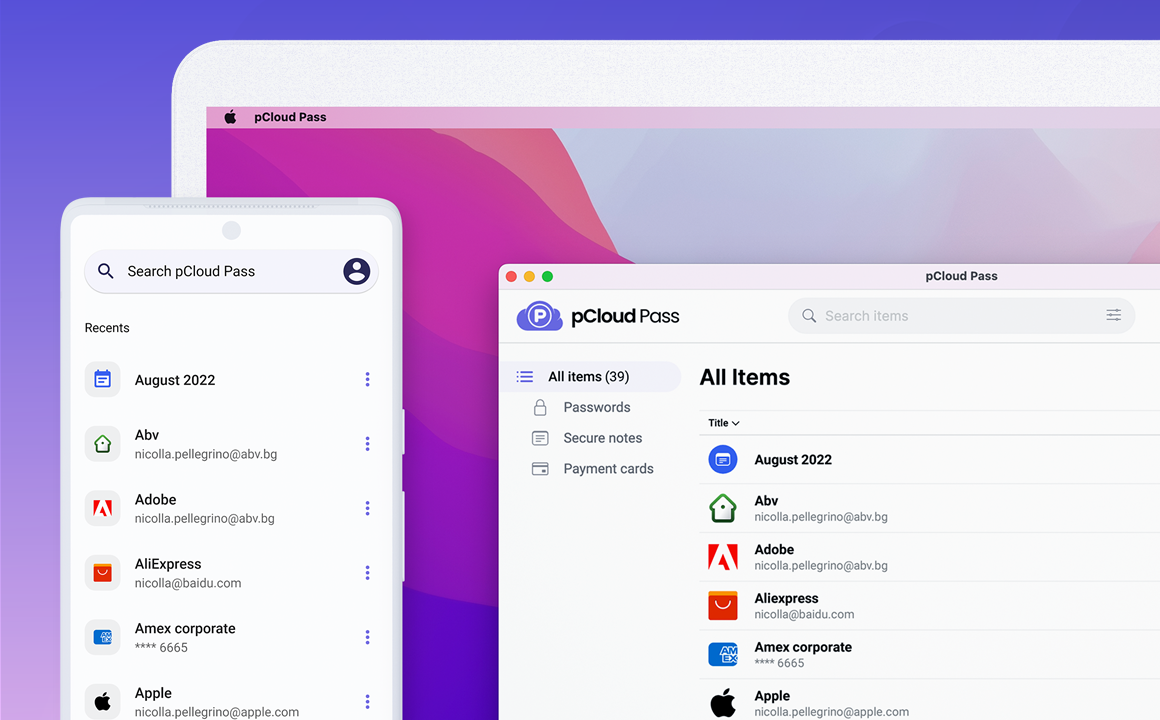
Apps
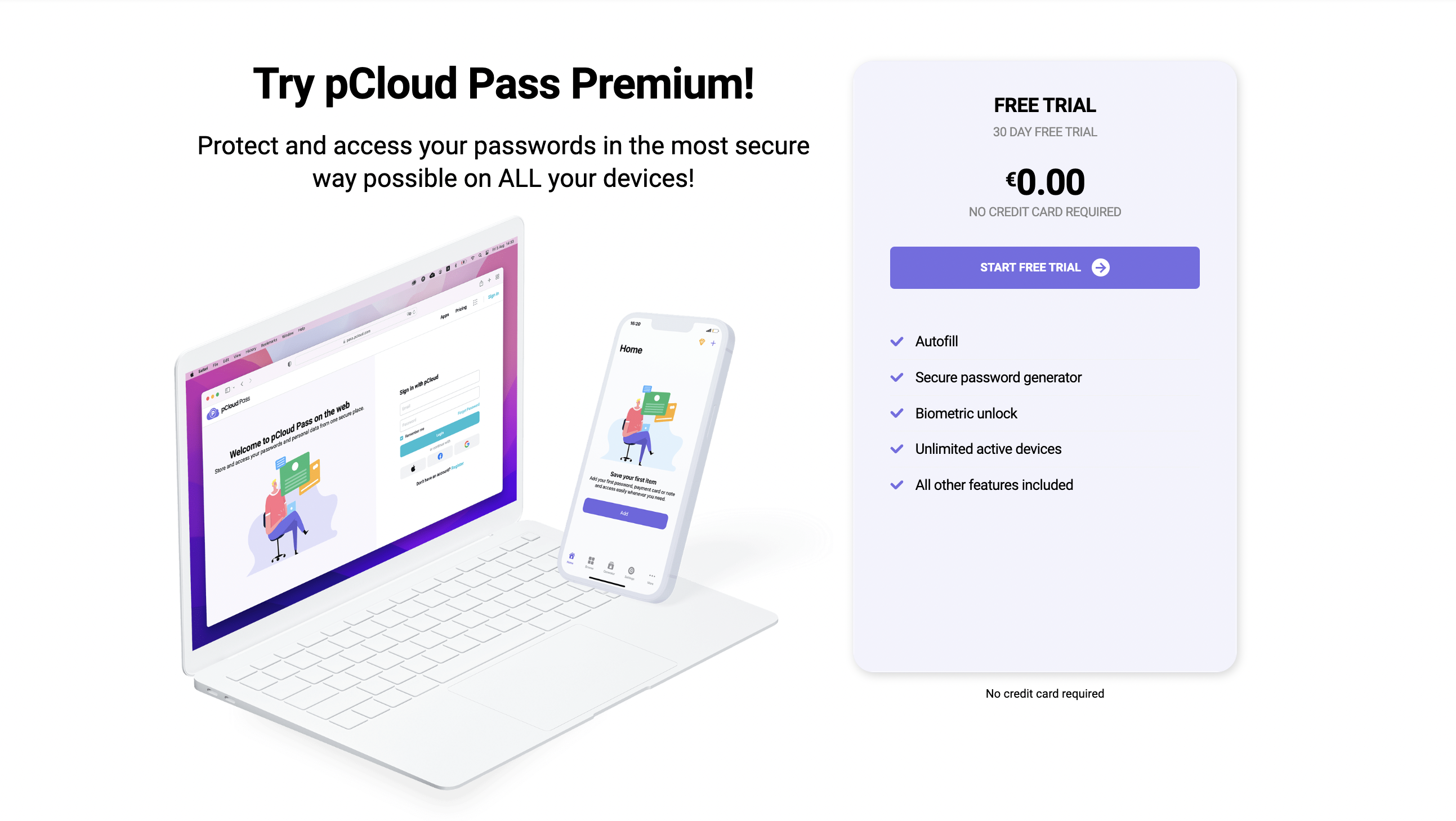
pCloud Pass is available for desktop (Windows, macOS and Linux), mobile (Android and iOS) and web as a browser extension or from pass.pcloud.com.
Pricing
The best part about pCloud is that it offers all the features above for all pricing plans.
Free: No need to shell out a penny; you can use pCloud Pass on only one device using this feature.
Premium Monthly: Pay $3.99 and you can use this password manager for an entire month.
Premium Annual: Pay $39.99 and you can use this password manager for an entire year.
Lifetime: No recurring fees; shell out $199.99 and you can use the pCloud Pass forever. You can use the password on an unlimited number of devices with this plan.